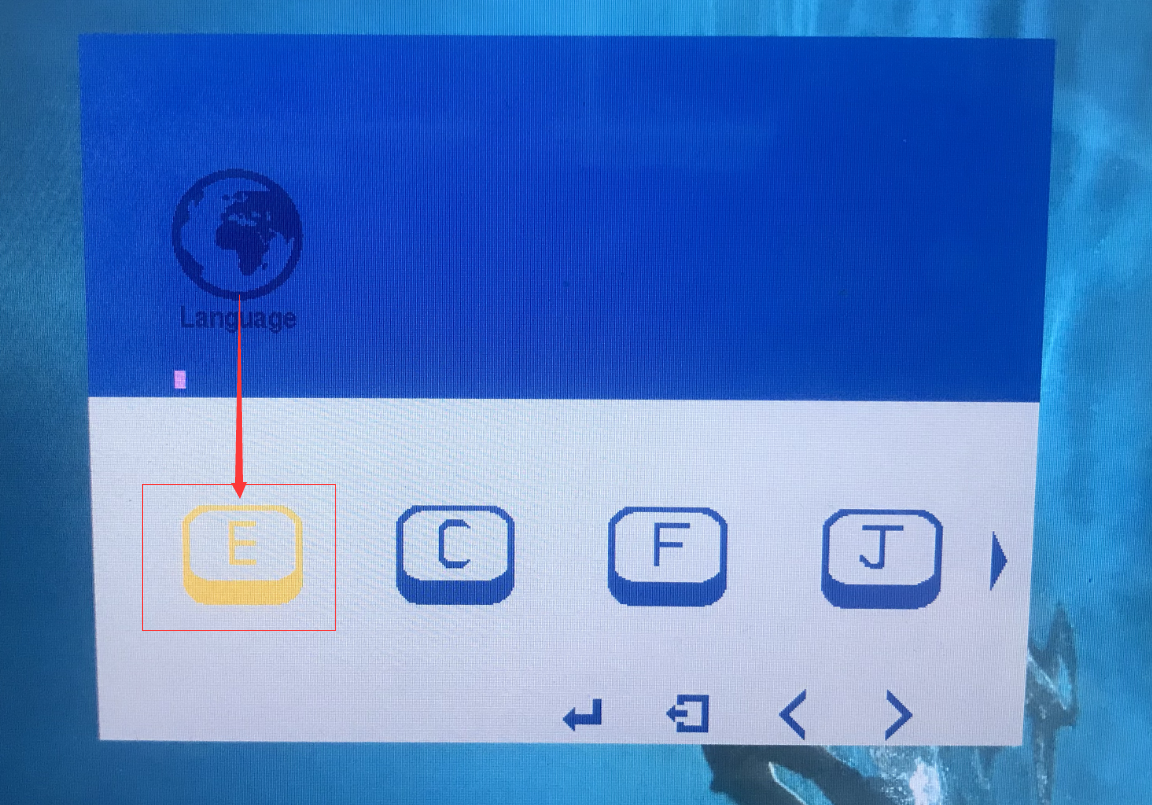
FAQ

What to do if there is a color aberration between your pen display and your computer?

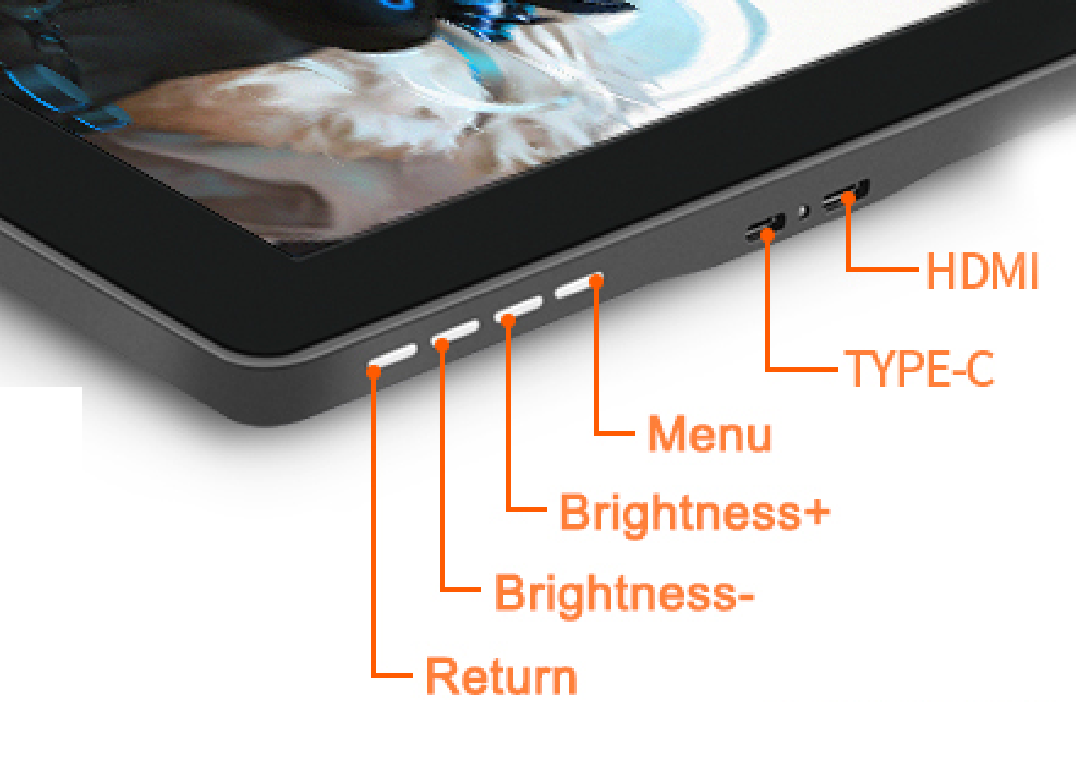
It is a regular situation there is a color aberration between different electronic devices for their different usage of the mnitor and display styles.You can adjust it through the brightness button on the side of the pen display.
What to do if there is a color aberration between your pen display and your computer?

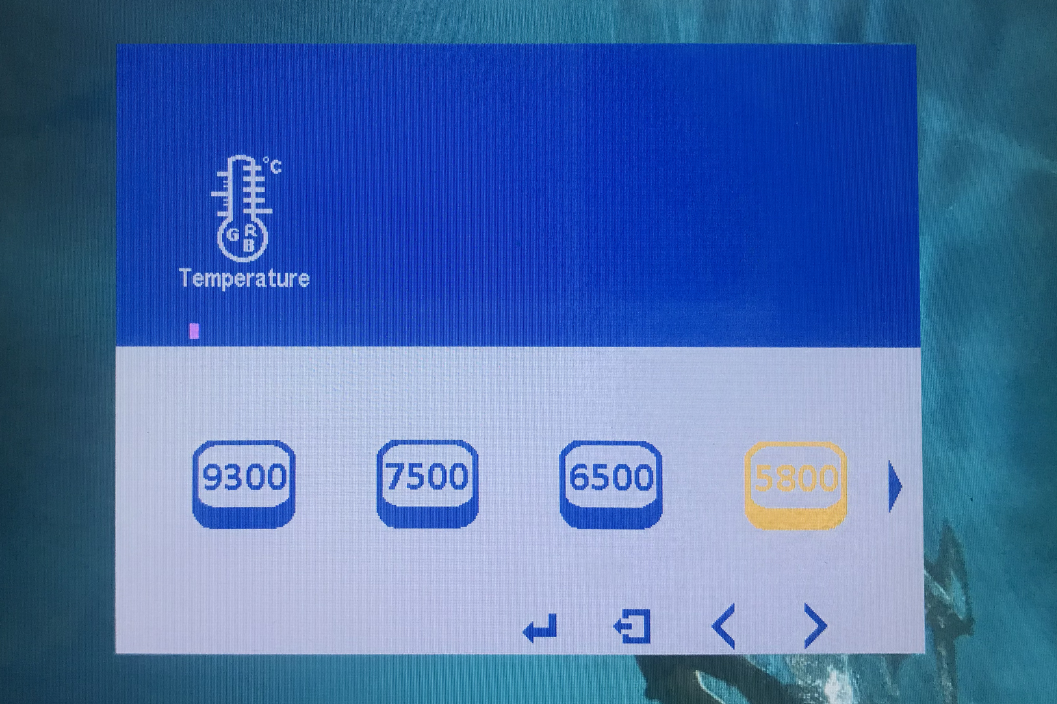
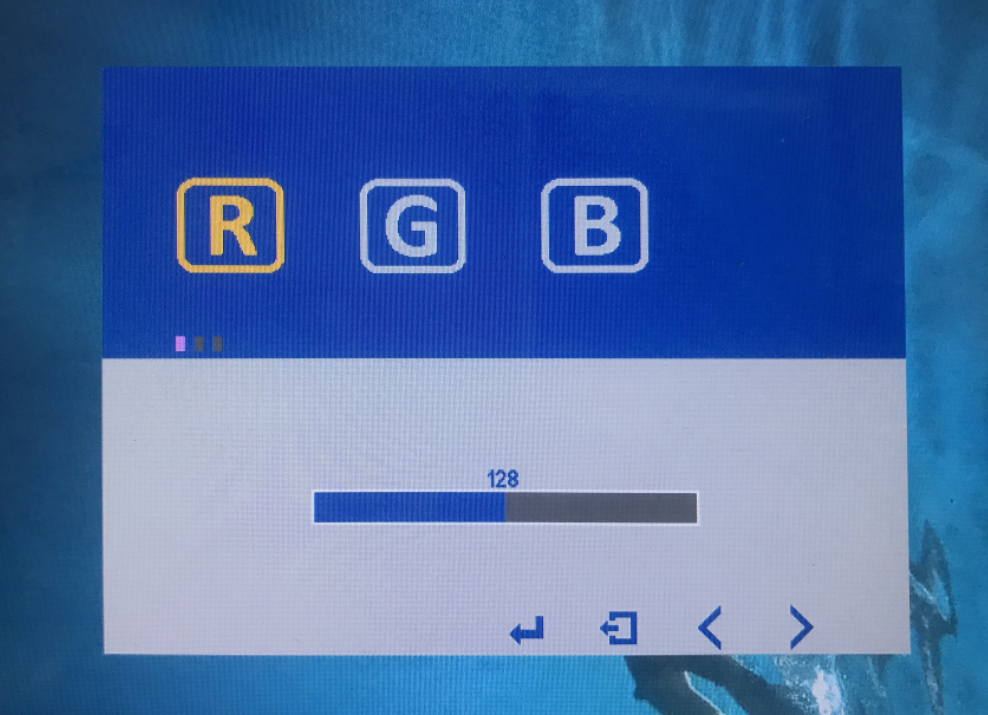
Or you can adjust the value of the rgb on the manu page.
What to do if there is a color aberration between your pen display and your computer?

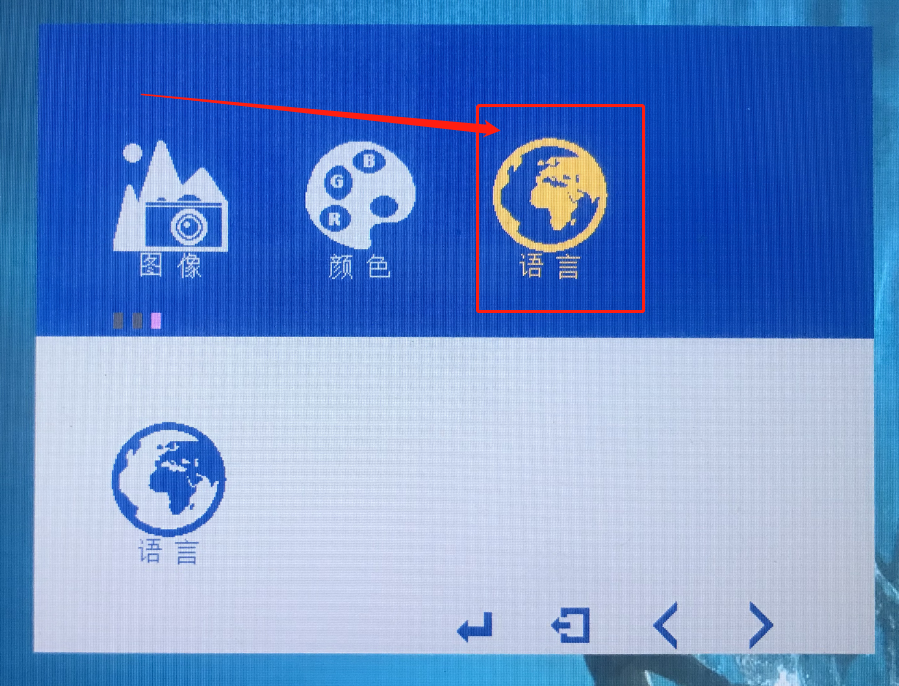
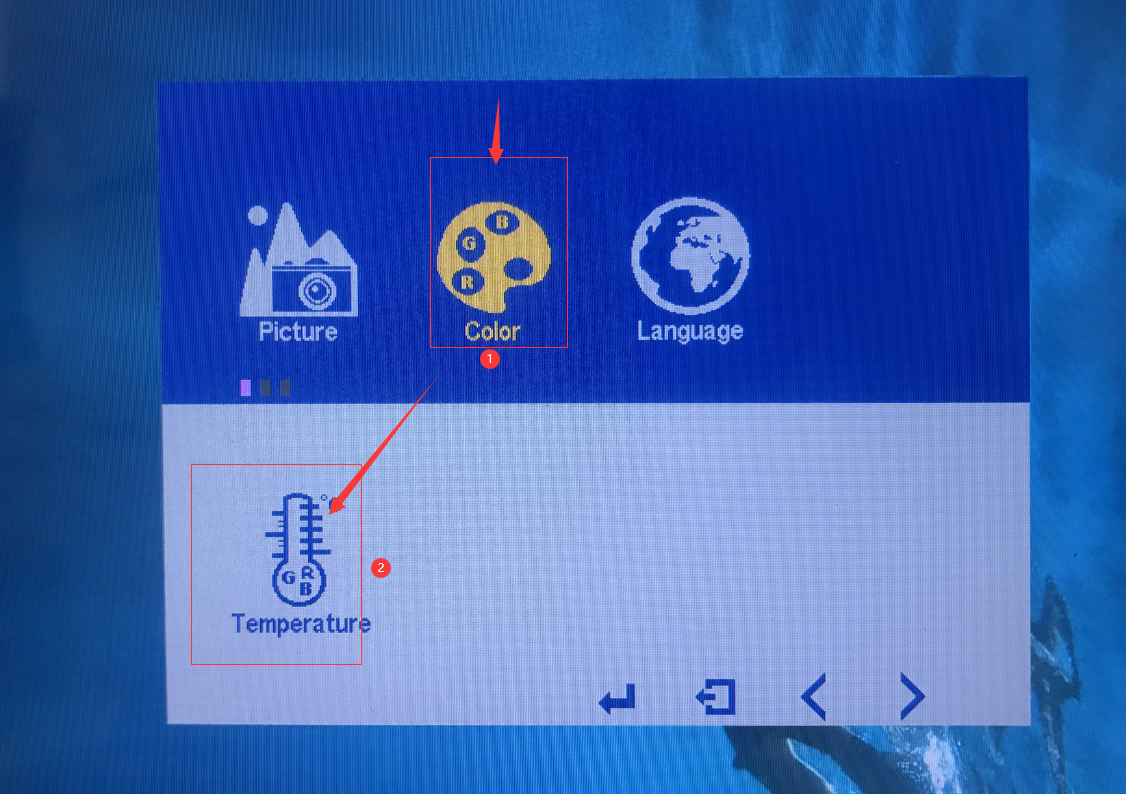
1.Route:Menu- Color- Press ‘bright +’ on the side of the product- Press Menu on the side.
What to do if there is a color aberration between your pen display and your computer?

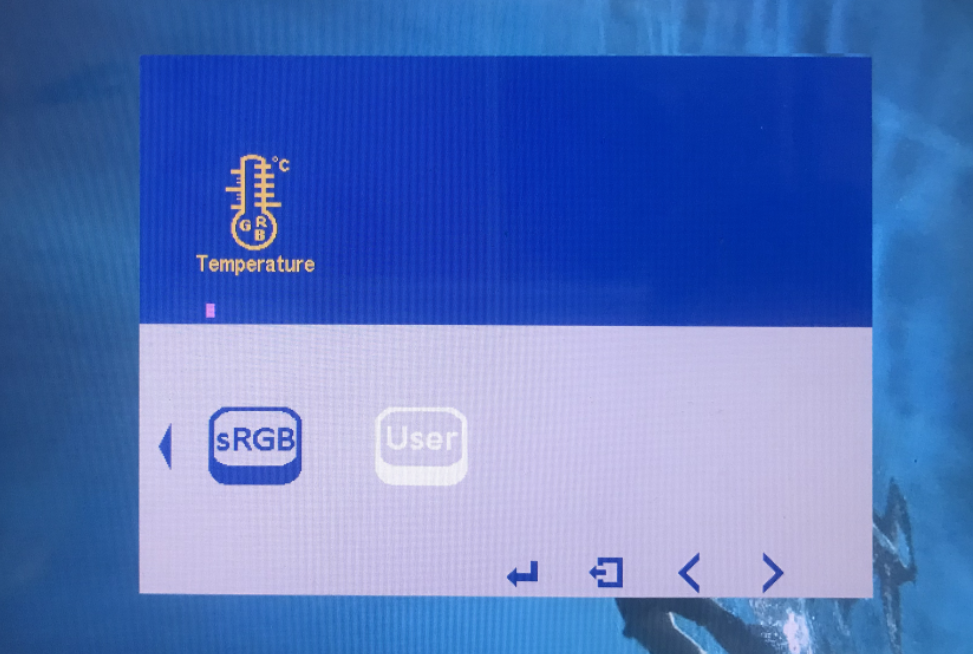
2.After comfirming, you can use the ‘+,-‘ to select the RGB mode.
What to do if there is a color aberration between your pen display and your computer?

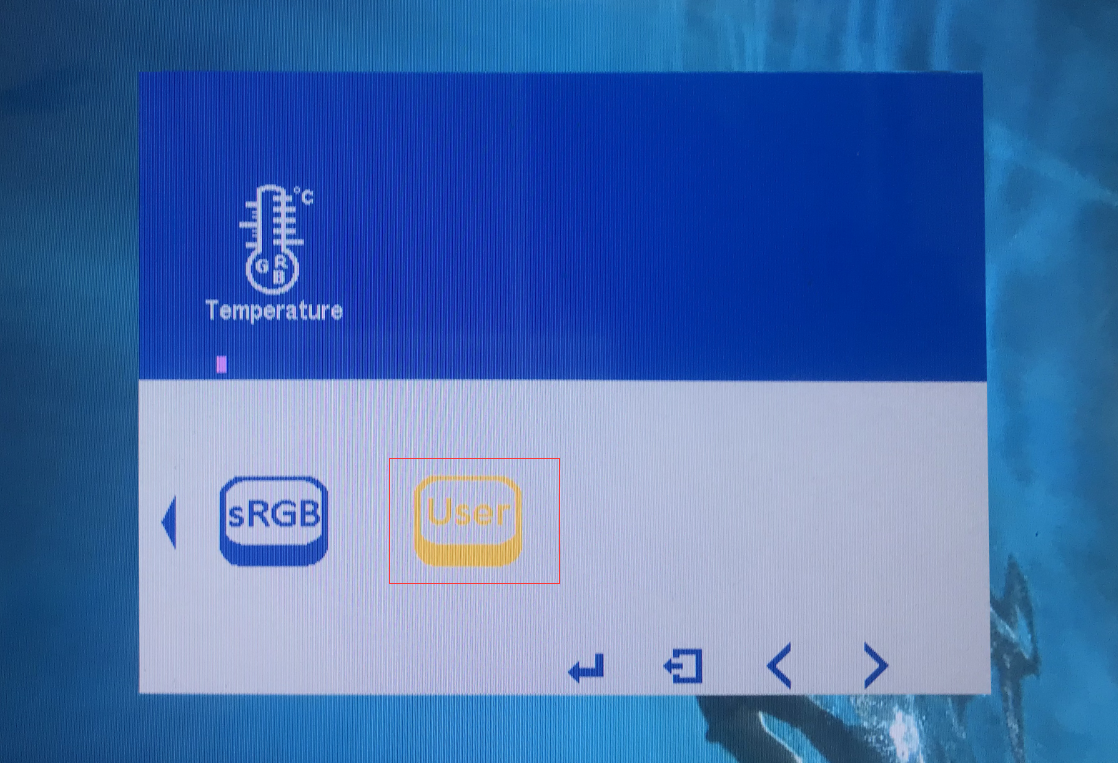
3.If you want to set a certain RGB value, please select ‘User’ and press menu and modify the value.
What to do if there is a color aberration between your pen display and your computer?